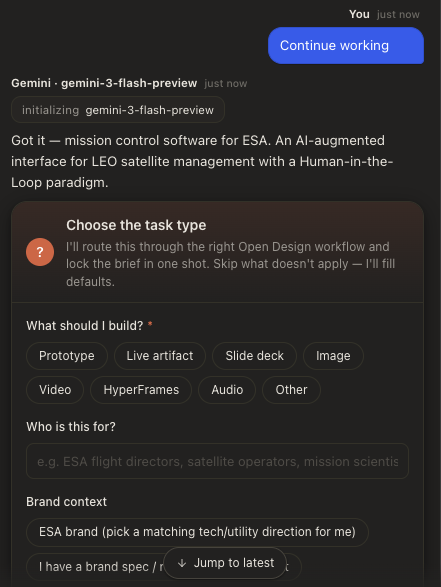
I don’t know how I found this but it made sense from my perspective so I wanted to give it a try. Open Design also perfectly aligns with my latest blog post about how we as users encapsulate ourselves into ecosystems. I wrote about the Claude Code IDE and how I felt being trapped in just one AI provider. Now there is OpenDesign: they call themselves: “The open-source alternative to Claude Design” - which sounds great on paper.
Claude Design is good. It's also closed-source, hosted-only, and bundled with a Claude subscription. Here's the honest read on when to pick it — and when the open-source path wins.
On OpenDesigns blog they tell you the story where Claude locks you in. And it makes sense to my ears. Let’s start!
Installing the latest (0.8.0 from GitHub) version which is a preview. The application after the DMG is 530MB heavy. Starting the app shows a welcome screen with two options to choose a runtime. (Write dev oriented, which I like but ask a designer what a runtime is…)
What’s inside:
- 123 skills — deck generators, mobile mockups, editorial pages, Word/Excel/PPT, brand explorations
- 148 design systems — portable Markdown versions of Linear, Vercel, Stripe, Apple, Cursor, Figma, plus a long tail
- 16 coding-agent CLIs auto-detected on your $PATH — Claude Code, Codex, Cursor, Gemini, OpenCode, Copilot, Devin, Hermes, Pi, Kimi, Kiro, Qwen, DeepSeek TUI, Qoder, Mistral Vibe, Kilo
- Four-step locked workflow — question form → direction picker → live plan stream → sandboxed iframe preview
- BYOK by default — paste any OpenAI-compatible base_url and key, your tokens go straight to the provider Apache-2.0, no signup, runs on pnpm tools-dev
You either use your local LLM or use BYOK. I choose local LLM, since it shows all the local CLI models. I have several CLI models installed and choose Claude Code. After choosing that, the app asks about some information like my role and org size.
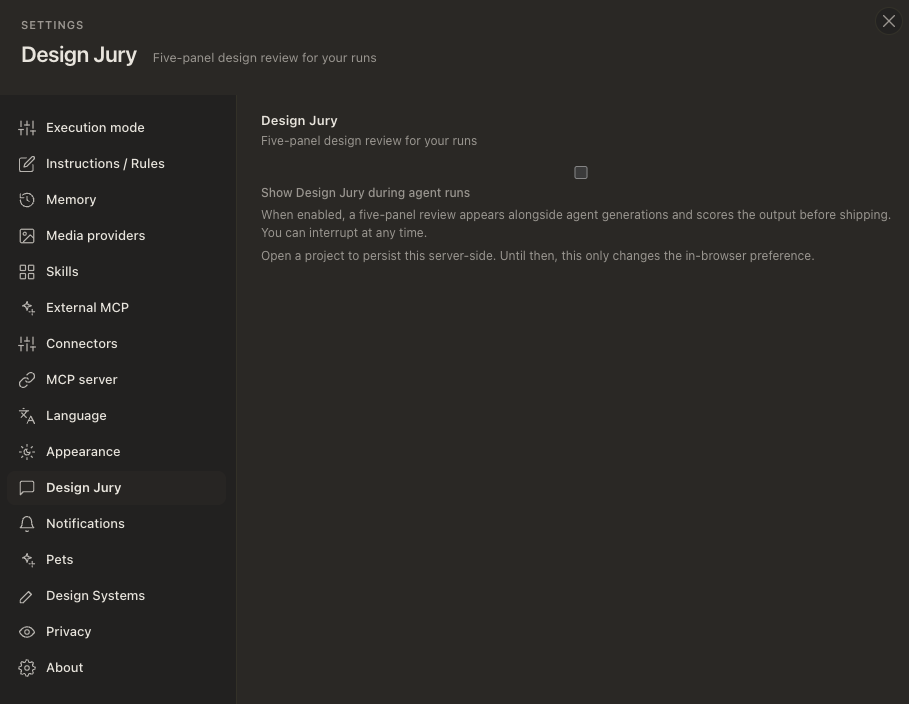
Looking at the settings it is interesting to determine the backbone of this app. There are a few things worth mentioning. Apart from the usual there is a very extensive skill library, where many skills are pre-installed and opt-out. Then there is Design Jury. It’s a “five-panel design review for your runs” - whatever that means. I suspect it to be an extra agent post running after a design has been generated. I’ll check and see what happens. Then there is Design Systems.
https://open-design.ai/blog/open-source-alternative-to-claude-design/
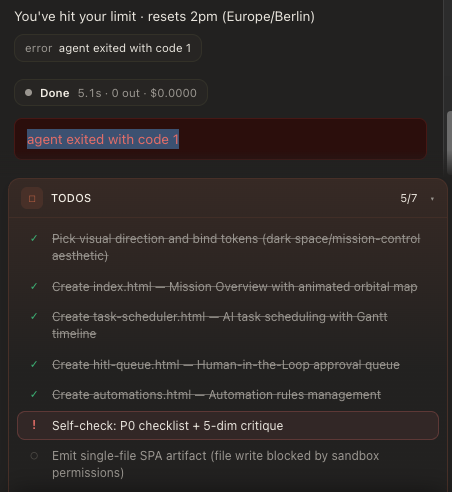
I gave the tool a specific task I am currently working on anyway. After some clarification questions it worked for 40 minutes straight. My directions where not to specific cause I wanted to just try the tool and the features. After 40 minutes I hit my limit with Claude Code. Now with OpenDesign I am able to simply switch to Codex or Gemini to continue working on this specific task. No model agnostic silo agents anymore. I can use whatever I want. Let's see how the handoff to a different model works.
I went back to settings, installed Gemini CLI globally via Terminal and did a rescan on the OpenDesign interface. It appeared immediately. Back to the project - wanted Gemini to continue the work and…
It fucked up
It asked me initial clarification questions. It shows that Gemini did not have any context from prior work with Claude Codes agents. This sucks. But where did it fucked up? I assumed OpenDesign provides a context layer for other models to easily hand-off running projects. It seemingly did not. Pity!